Virtuoso Enterprise Edition Release 5.0 Installation on Unix
Review Preinstallation Documentation: Virtuoso on Linux & Unix?
Installation
Login to your Unix or Linux client machine.
Last login: Tue Apr 22 09:16:00 on console
Welcome to Darwin!
You have mail.
vpn189:~ nkhatam$ telnet opensol7.openlinksw.com
Trying 192.168.13.151...
Connected to opensol7.openlinksw.com.
Escape character is '^]'.
Password:
cd into the installation directory.
-bash-3.00$ cd /usr/virtuoso
The installation files ship as an installation shell script, a .tar file, and a license.
The installation shell script should be ftp'd in ascii.
The tar file and license should be ftp'd in binary, where applicable.
-bash-3.00$ ls

install.sh     srvez2zz.tar     virtuoso.lic
Use tar -xvf to extract the contents of the .tar file.
-bash-3.00$ tar -xvf srvez2zz.tar
Run the following command to start the installation: sh install.sh
-bash-3.00$ sh install.sh
Installation started on opensol7
Choose the Virtuoso binary that you want to install.
Each binary offers differing levels of runtime hosting support.
  Please choose which Virtuoso server you wish to install:

  1) Universal Server with iODBC support
  2) Universal Server with iODBC, PHP support
  3) Universal Server with iODBC, Java support
  4) Universal Server with iODBC, Java, PHP support

Note: if you install a java-enhanced Virtuoso server, you must have a working
JVM installation on this server.

[4] :
1
Virtuoso may ask you to provide the location to a PERL library.
Choose the default, if you do not have a specific alternative in mind.
Attempting to locate perl library...

Suggested file locations:
./custom/hosting/perl

Please select one of the above locations. Note that the libperl.so must
have been compiled with -Dusemultiplicity; if you are unsure of this, use
the one shipped with Virtuoso (last entry in the list).
Default: ./custom/hosting/perl
Virtuoso ships with default and demo instances.
Each instance requires its own set of distinct TCP ports for SQL and HTTP connectivity.
Each instance requires a unique name that it will associate with Zero Configuration.
Zero Configuration persists information identifying the local machine name, SQL TCP port, and client driver location which facilitate ease of connectivity to the SQL engine.
These values are stored in Virtuoso configuration file and served up as optoins to users attempting to connect via Virtuoso's client drivers.
The instances also require a series of administrative usernames and passwords for SQL engine and
Configuring port numbers for default and demo databases

Please enter a port on which to run the default database
SQL listener (default 1111):

Please enter a port on which to run the default database
HTTP listener (default 8889):

Please enter a name for default database Zero Configuration
(default "Virtuoso Universal Server at oplussol7 (1111)"):

Please enter a user name for default database Zero Configuration
(default "dba"):

Please enter a port on which to run the demo database
SQL listener (default 1112):

Please enter a port on which to run the demo database
HTTP listener (default 8890):

Please enter a name for demonstration database Zero Configuration
(default "Virtuoso Universal Server (demonstration) at oplussol7 (1112)"):

Please enter a user name for demonstration database Zero Configuration
(default demo):

Please enter a replacement for the Default Database Server
SQL Administrative (dba) account password (twice) :
Confirm Password :

Please enter a replacement for the Default Database
WebDAV administrative (dav) account password (twice) :
Confirm Password :

Please enter a replacement for the Demonstration Database Server
SQL Administrative (dba) account password (twice) :
Confirm Password :

Please enter a replacement for the Demonstration Database Server
WebDAV Administrative (dav) account password (twice) :
Confirm Password :
</verbatim>
Virtuoso now prompts you to specify which add-ons you would like to apply to the default instance.
Choose whether or not to install the
Install  OpenLink Dataspace Framework on Default Database
([Y]/N):
N
Choose whether or not to install the BPEL Process Manager on the default instance.
BPEL is an XML vocabulary for orchestrating SOAP and WSDL compliant Web Services.
It's the critical standard for creating composite processes from a collection of Web Services using the principles of Service Oriented Architecture (SOA).
Install  OpenLink BPEL Process Manager on Default Database
([Y]/N):
N
Choose whether or not to install the Virtouso Conductor on the default instance.
The Conductor is a sophisticated, Web-based GUI that allows you to configure and administer Virtuoso and exploit its various functionalities.
Install  Virtuoso Conductor on Default Database
([Y]/N):
Y
You now have the opportunity to decide whether to install the same or differing features on the demo instance.

{{{
Install  OpenLink Dataspace Framework on Demo Database
([Y]/N):
Y

Install  OpenLink BPEL Process Manager on Demo Database
([Y]/N):
N

Install  Virtuoso Conductor on Demo Database
([Y]/N):
Y
Choose whether or not to install global support scripting support for specific scripting languagesl:
Do you want to install support for scripting in Perl?
(Note: if you wish to build this yourself, please see README-PERL.txt)
(Y/[N]):
N

Do you want to install support for scripting in Python?
(Note: if you wish to build this yourself, please see README-PYTHON.txt)
(Y/[N]):
N
Choose whether or not to install the Virtuoso Wiki application.
Do you want to install support for Wiki ?

(Y/[N]):
Y
Choose whether or not to install support for
Do you want to install support for MediaWiki compatible syntax for Wiki ?

(Y/[N]):
Y
Choose whether or not to install support for
Do you want to install support for Image Magick ?

(Y/[N]):
N
Provide an operating system user and group to set ownership and permissions on the Virtuoso directory structure and files therein.
Please enter the username:group for the user and group who should own
files in this installation (default: openlink:users) :
virtuoso:dba
Configuration
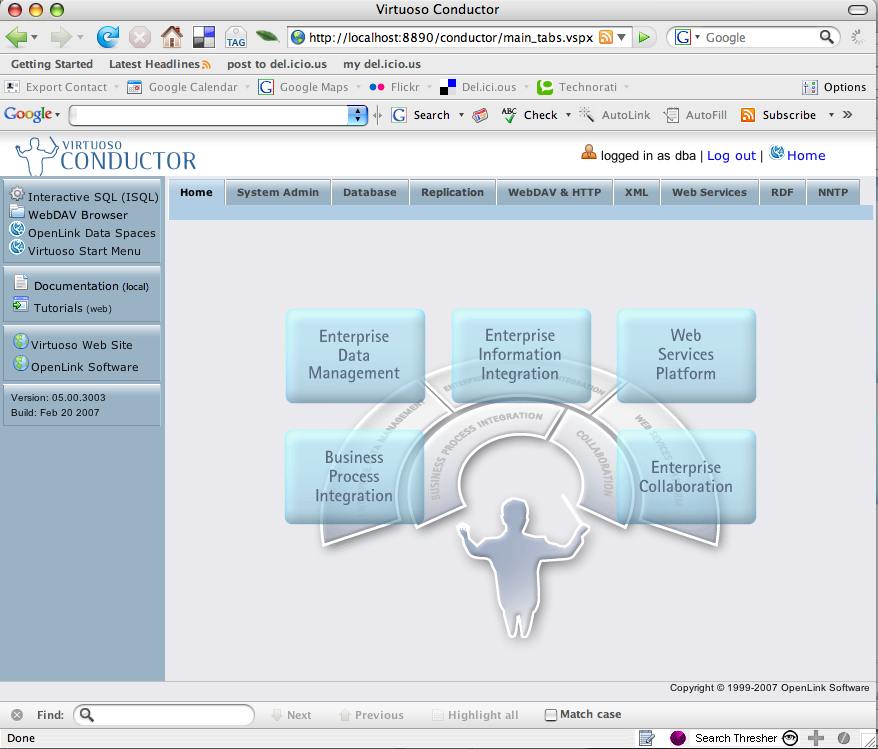
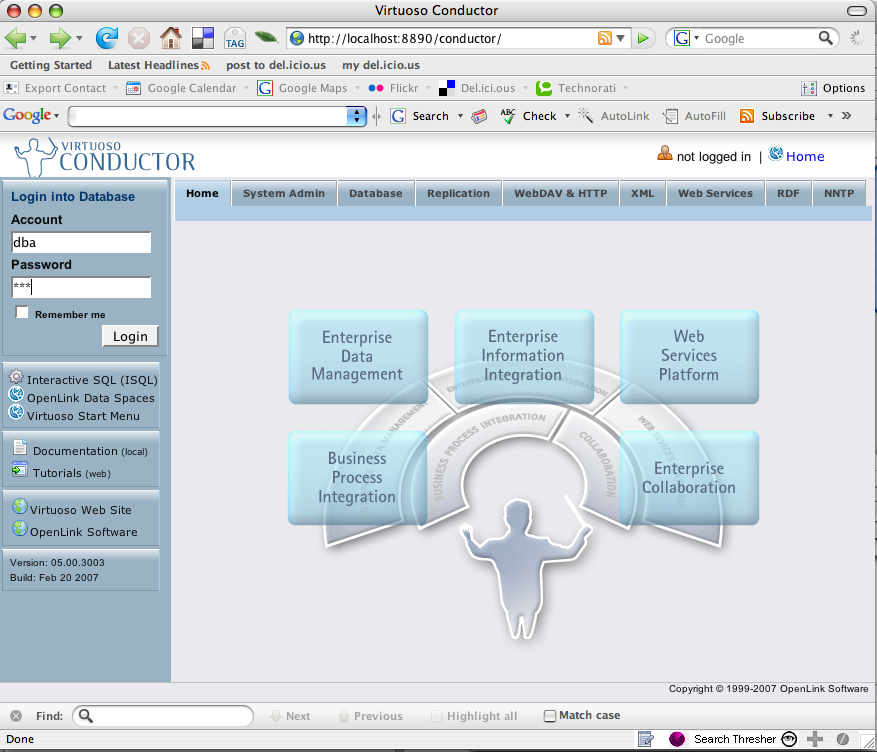
Click on the 'Conductor' link in the left frame of the Welcome page to load the Virtuoso Conductor. This is the Administration interface for the installation. Enter the 'dba' username and password to login:
Click on any of the 'Tabs' along the top to Administer the various features ofthe Virtuoso Universal Server installation: