ODBC Explorer Sample Program
The ODBC Explorer Sample program is a simple interactive SQL program enabling a HTML5 ODBC connection to be made to selected data sources and list of available database catalogs displayed and queries executed against the selected database catalog.
Usage
- Load the ODBC Explorer sample program from the URL http://html5-webdb.s3.amazonaws.com/webdb-api/ODBCExplorer/ODBCexplorer.html
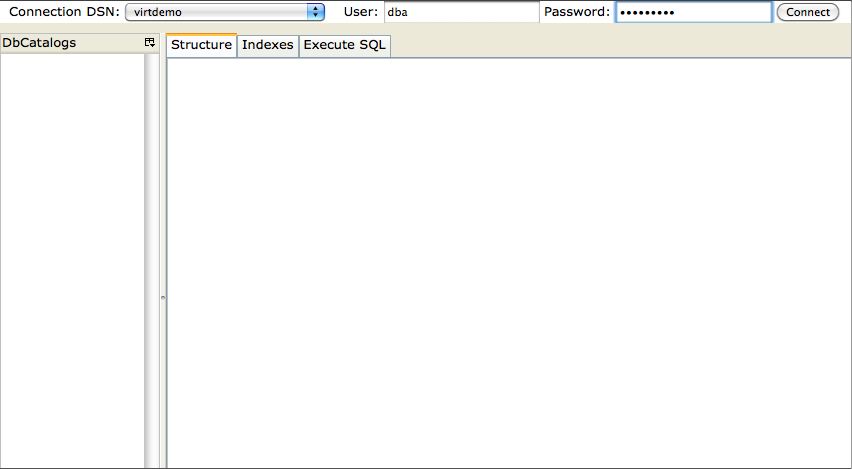
- Choose the ODBC DSN from the drop down list box, provide login details and click the
connectbutton
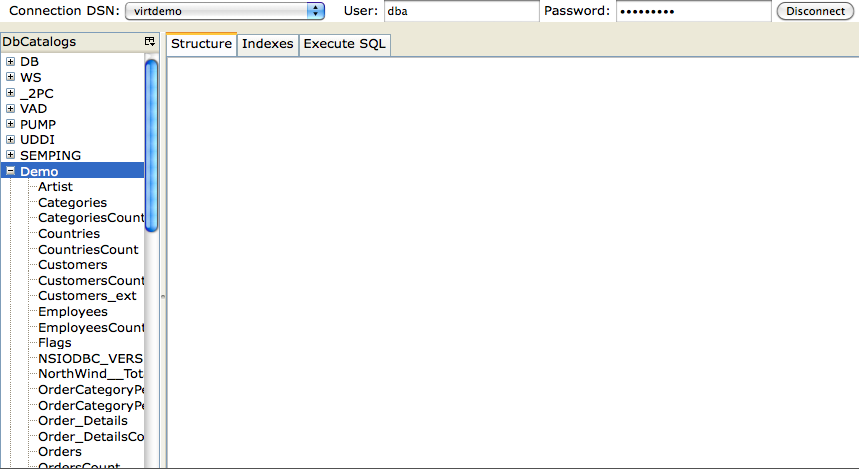
- On connect a list of available DBcatalogs (databases) will be listed in the left frame.
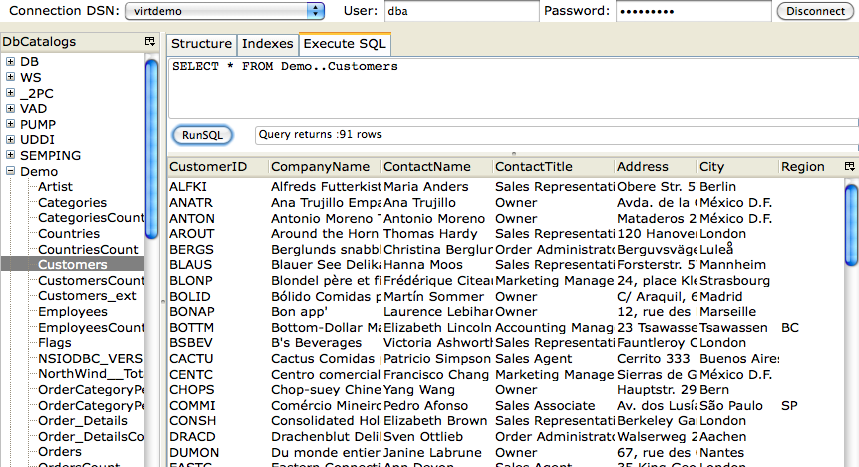
- Click on the "Execute SQL" tab, enter a SQL query and click on the "Run SQL" button to execute
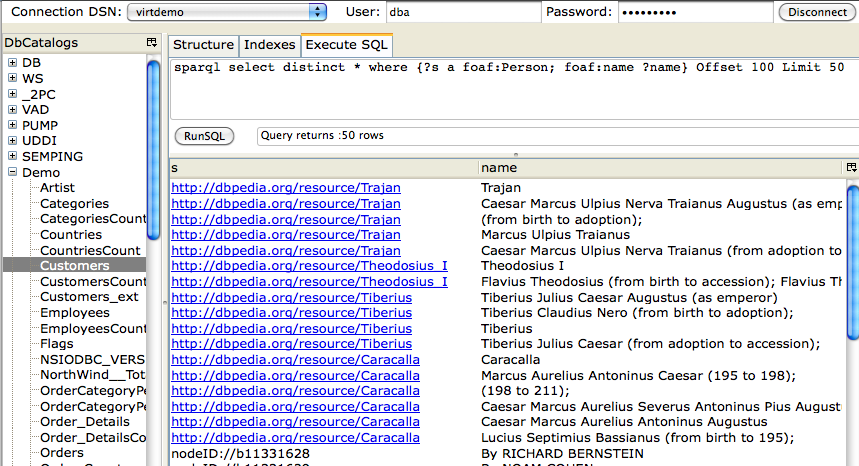
- SPARQL queries can also be executed with clickable anchor links generated for URIs.