iSPARQL Querying Tutorial executed against Virtuoso Northwind database
In this tutorial we will show how to execute a SPARQL query against the Virtuoso Northwind database.
Create Graph model, generate query, and execute
- Go to iSPARQL demo page.
- Click "Ok" in the shown Login form.
By default should be shown user name demo and password demo.
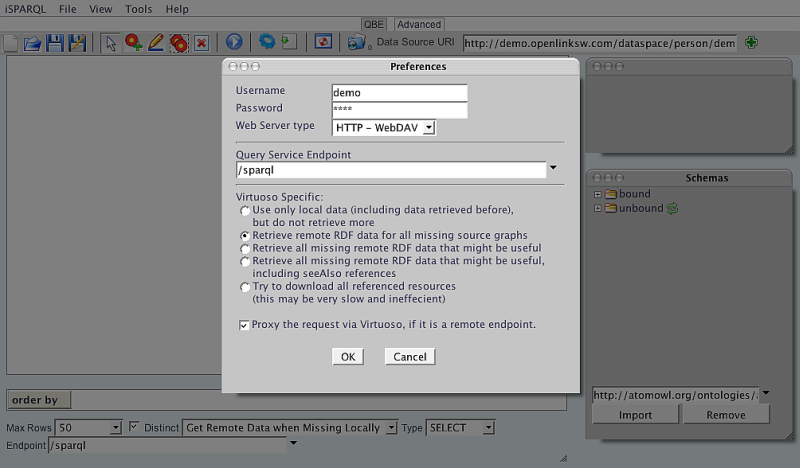
- As result will be shown the iSPARQL home page, with opened tab "QBE" and default graph elements will be shown in the Canvas.
Click the "Clear Pane" icon form the toolbar in order to empty the Canvas.
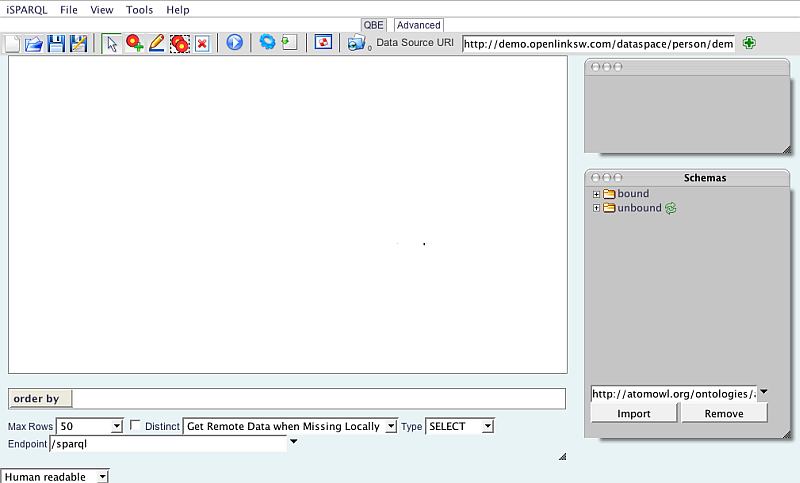
- Change the "Data Source URI" field value from the QBE tab to: http://demo.openlinksw.com/Northwind as this is the Graph URL we are going to use in our tutorial.
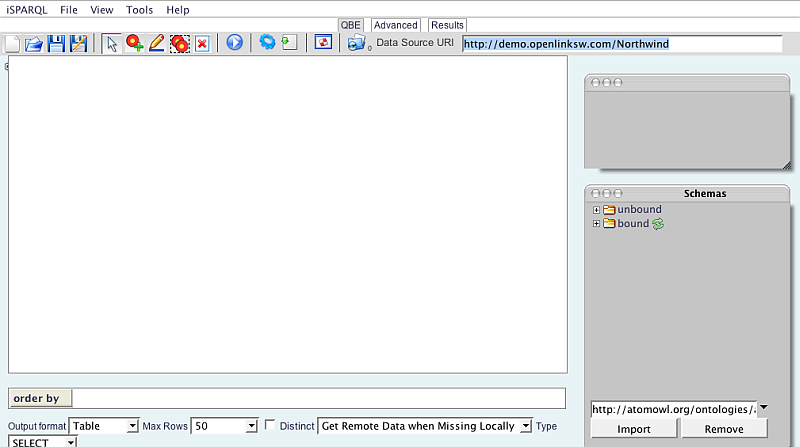
- Now we will import the Schema that contains the Terms to be used in the our Graph Pattern.
From the Schemas window enter in the input field the schema URL: http://www.openlinksw.com/schemas/northwind and click the "Import" button.
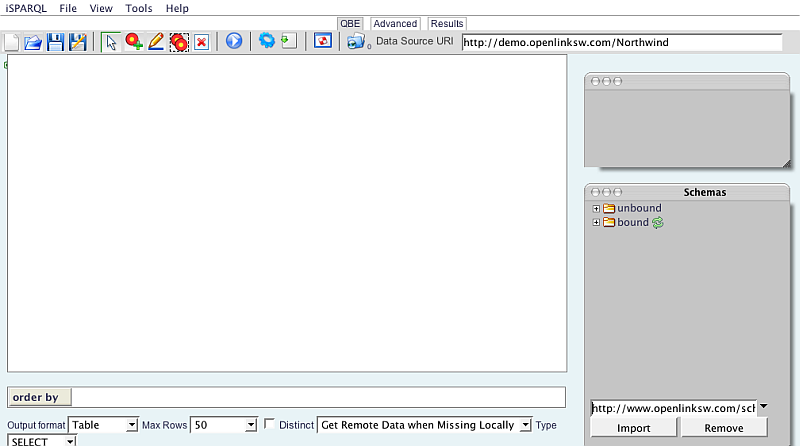
- As result in the Schemas window under "unbound" will appear new item http://www.openlinksw.com/schemas/northwind#. Click its "+" icon in order to expand it.
- Click the "+" icon for the Concepts Node in order to expand it.
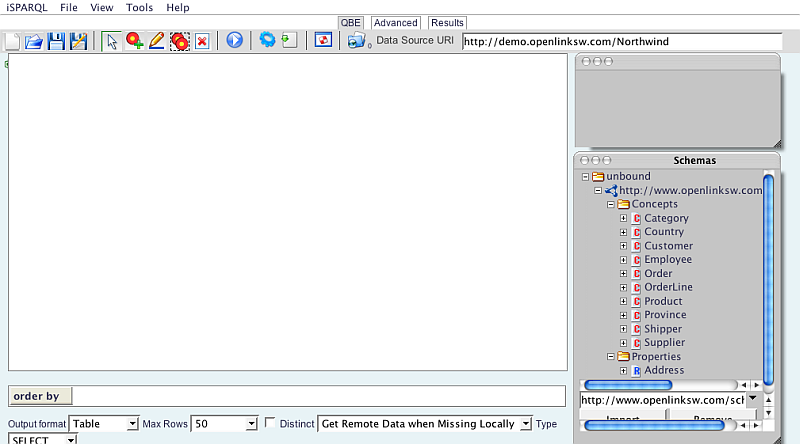
- Now scroll down the shown list and drag-and-drop the Subject Node "Order" on to the QBE working Canvas.

Tagcloud
Category SPARQL Category RDF Category OpenSource Category OAT Category Tutorial Category DocumentationReferenced by...