iSPARQL "DESCRIBE" Tutorial showing Results in a Google Maps View
This tutorial shows how to execute a SPARQL DESCRIBE query in iSPARQL, and view its results in Google Maps.
Procedure
- Go to
http://<cname>:*lt;port>/isparql, e.g.,http://linkeddata.uriburner.com/isparql/. - The iSPARQL initialization window will be shown:
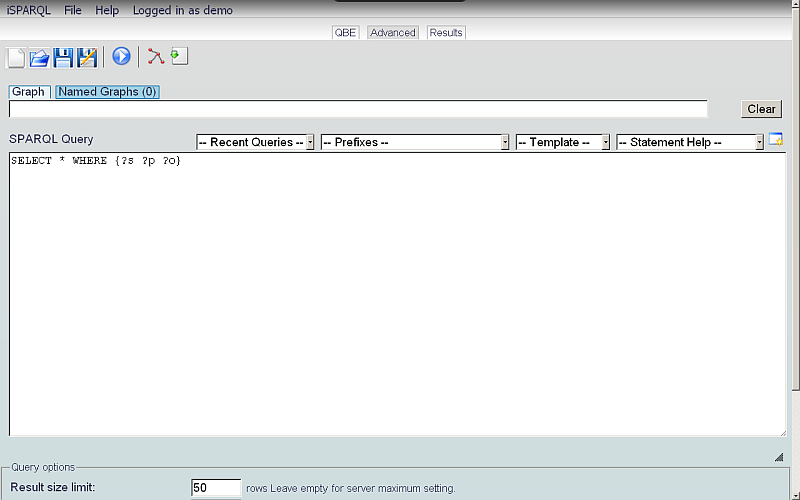
- After iSPARQL loads, the Advanced tab will be open, with a default SPARQL query, e.g.:
SELECT * WHERE {?s ?p ?o}
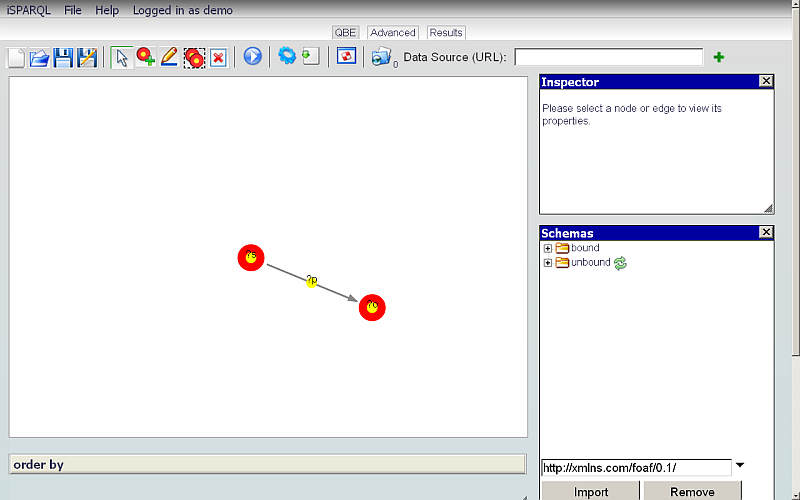
- Click to the QBE tab:
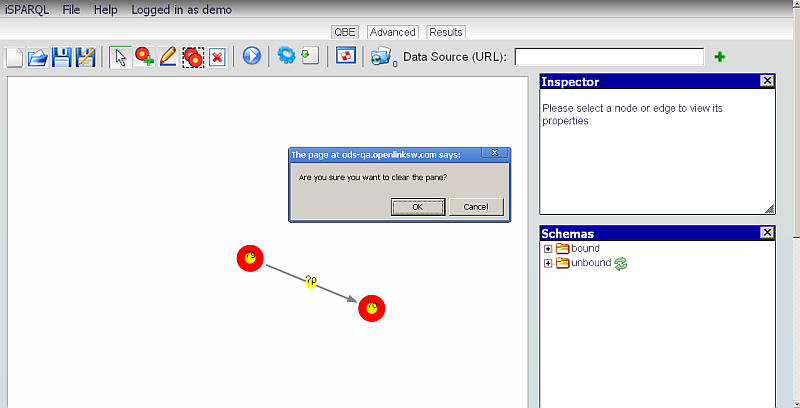
- Click the Clear Pane icon on the toolbar, to empty the Canvas.
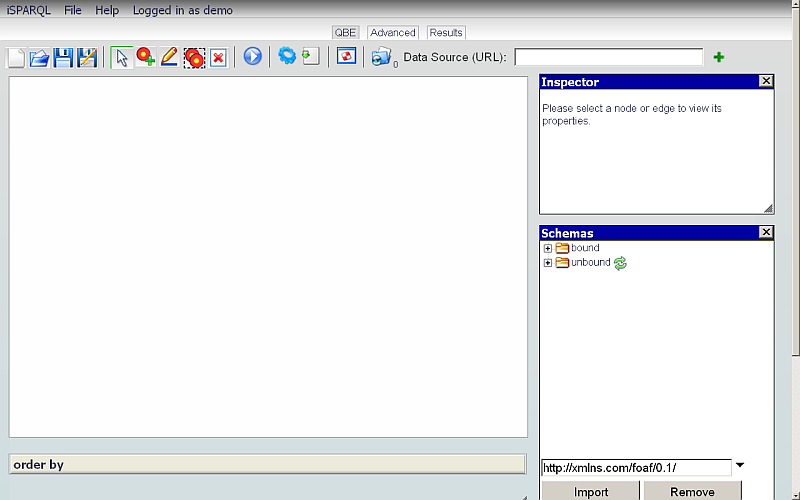
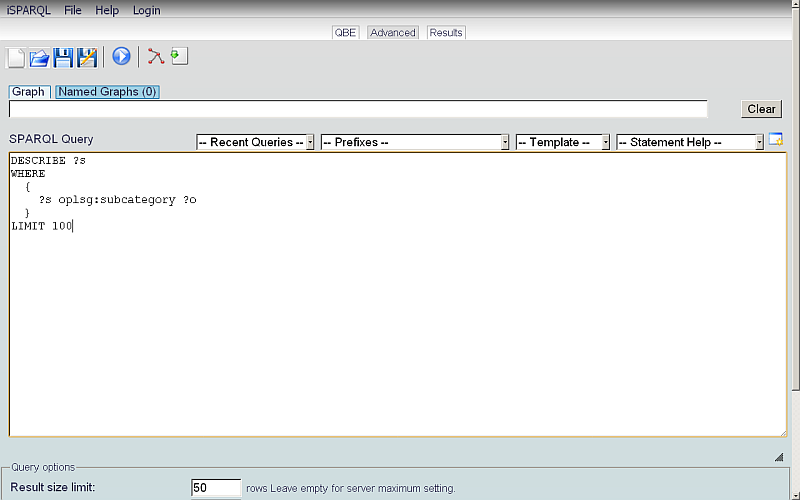
- Click to the Advanced tab and enter the following query:
DESCRIBE ?s
WHERE
  {
    ?s oplsg:subcategory ?o
  }
LIMIT 100
- Click Run Query.
- The Results tab should appear, with your query's results:
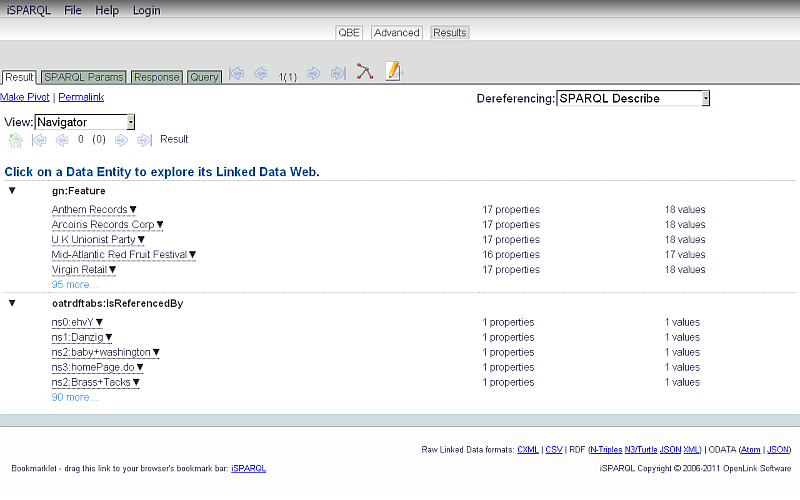
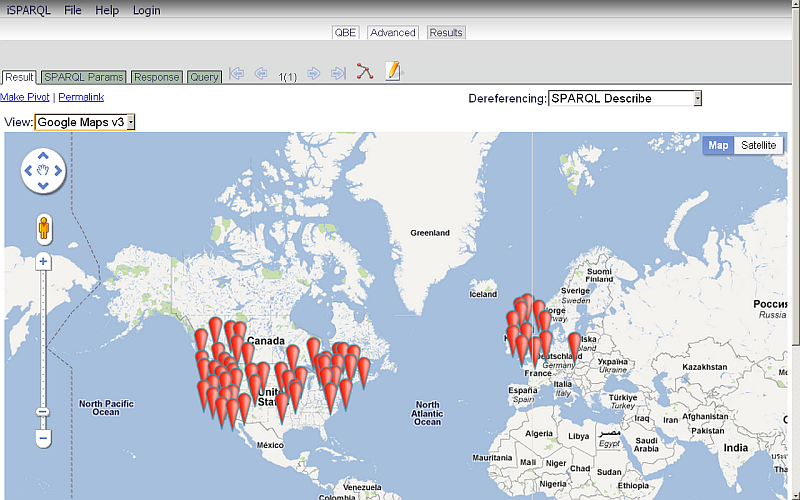
- Change the View menu selection from Navigator to type Google Maps v3.
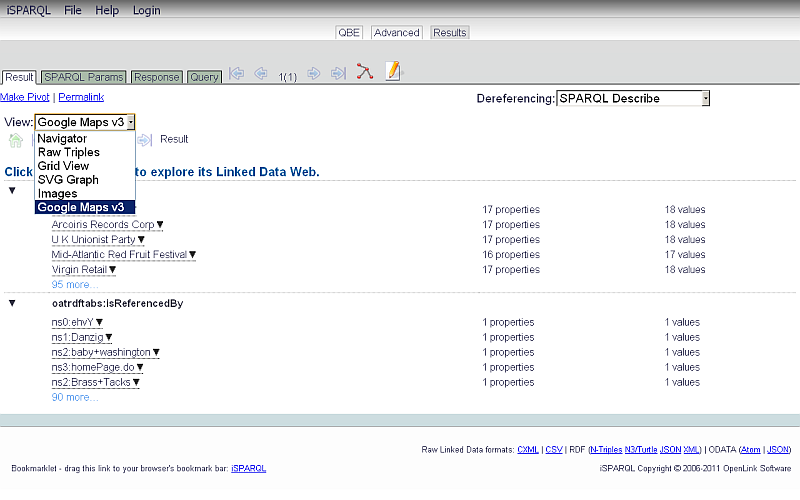
- The display will change to the Google Map view:
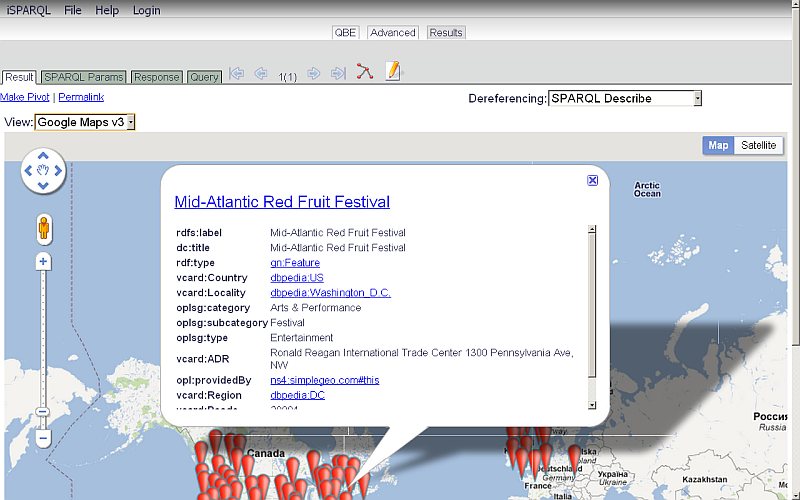
- Click on a Google item to view its properties:
Related
-
iSPARQL Tutorials
- Basic iSPARQL Tutorial
- Basic iSPARQL Tutorial with query built from a blank canvas and pre-typed Nodes
- Basic iSPARQL Tutorial with query built from a blank canvas and Nodes dragged from the Toolbar
- iSPARQL "CONSTRUCT" Tutorial
- iSPARQL "DESCRIBE" Tutorial
- iSPARQL "INSERT" Tutorial
- iSPARQL "DELETE" Tutorial
- iSPARQL "SELECT" Tutorial
- OpenLink AJAX Toolkit (OAT)
- SPARQL Query examples in the main Virtuoso Documentation
Tagcloud
Category SPARQL Category RDF Category OpenSource Category OAT Category Documentation Category Tutorial