iSPARQL Querying Tutorial with SPARQL Query type "SELECT".
This tutorial shows how to execute a SPARQL query with type "SELECT". You can find a rich list of Virtuoso SPARQL Queries in the References section.
Enter and execute a query
Choose a SPARQL query from the References list. For this example, let's use the SPARQL query, which dumps all Weblog Posts for the ODS Member "demo". You can find this SPARQL Query in either the ODS SPARQL Queries or the ODS Weblog SPARQL Queries list.
PREFIX rdf: <http://www.w3.org/1999/02/22-rdf-syntax-ns#>
PREFIX sioc: <http://rdfs.org/sioc/ns#>
PREFIX sioct: <http://rdfs.org/sioc/types#>
PREFIX xsd: <http://www.w3.org/2001/XMLSchema#>
PREFIX dct: <http://purl.org/dc/elements/1.1/>
PREFIX dcc: <http://purl.org/dc/terms/>
SELECT DISTINCT ?role , ?forum_name, ?post, ?title, ?cr, ?url
WHERE
  {
    ?forum a sioct:Weblog .
    OPTIONAL{ ?forum sioc:id ?forum_name }.
    OPTIONAL{ ?role sioc:function_of <http://id.myopenlink.net/dataspace/demo#this> }.
    OPTIONAL{ ?forum sioc:scope_of ?role } .
    OPTIONAL{ ?forum sioc:container_of ?post }.
    OPTIONAL{ ?post dct:title ?title }.
    OPTIONAL{ ?post dcc:created ?cr }.
    OPTIONAL{ ?post sioc:link ?url }.
  }
ORDER BY DESC (?cr)
- Go to http://cname/isparql, for ex. http://id.myopenlink.net/isparql
- The iSPARQL initialization window will be shown:
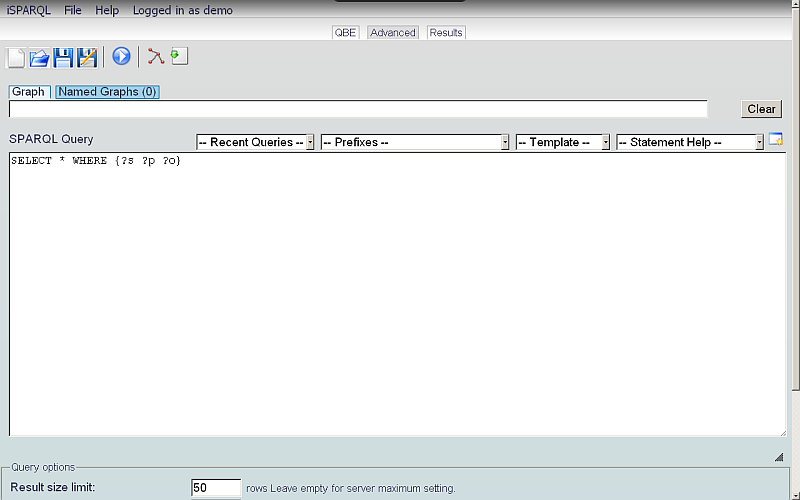
- On successful initialization will be presented the iSPARQL Advanced tab open with a default SPARQL query:
SELECT * WHERE {?s ?p ?o}
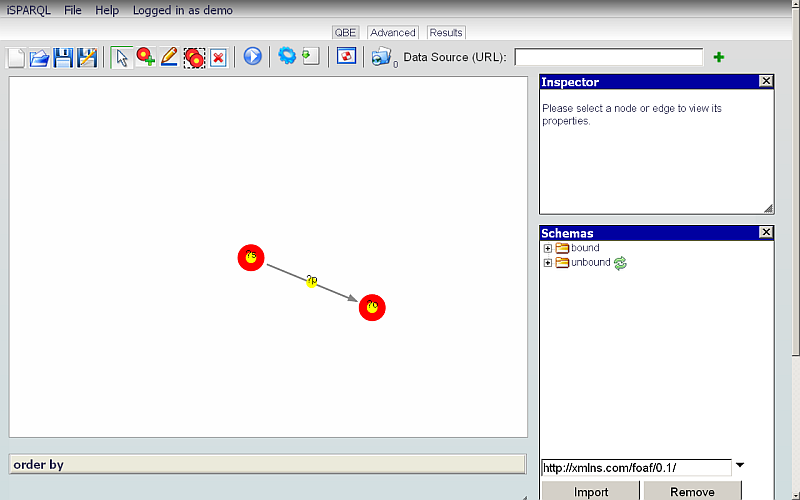
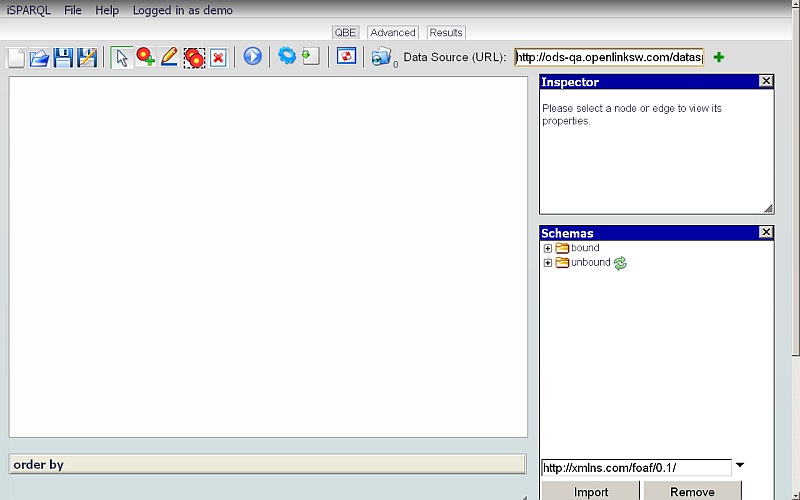
- Go to QBE tab:
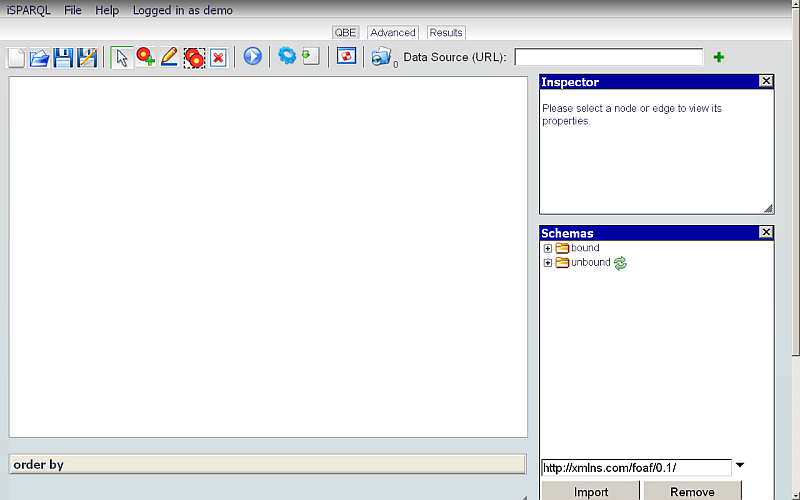
- Click the Clear Pane icon on the toolbar to empty the Canvas.

- Change the Data Source URI field value on the QBE tab to the Graph of the database against which you want to execute your query, i.e., http://id.myopenlink.net/dataspace
- Click the Advanced tab.
- Change the Graph value to also be as in our example
http://id.myopenlink.net/dataspaceand enter (copy-and-paste) the query chosen above into the SPARQL Query text-area:

- Click the Run Query button on the Advanced tab.
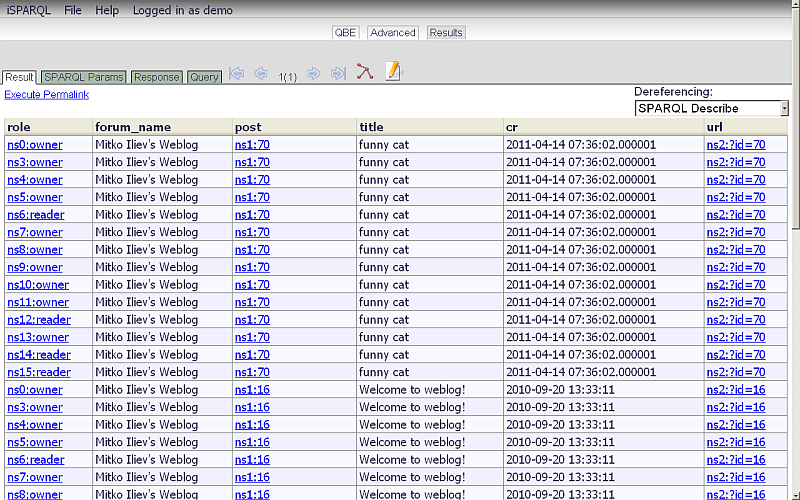
- The Results sub-tab shown below the Results tab will present the results of executing our SPARQL Query:
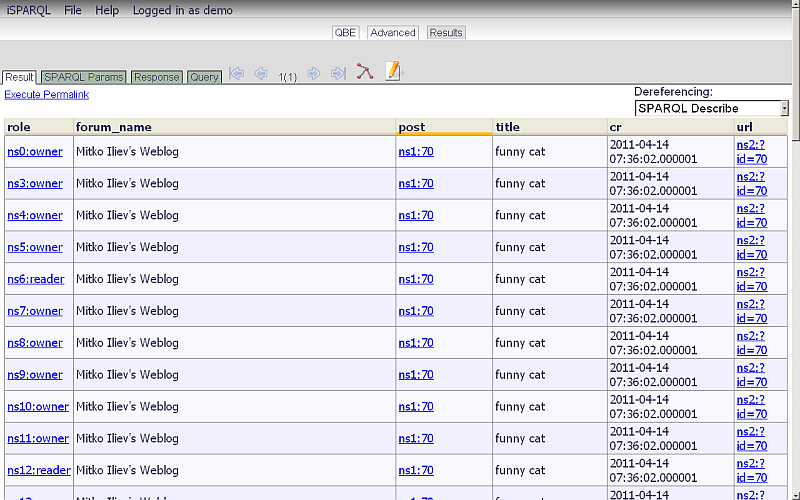
- Additionally you can change the results table column widths by dragging the ends of the column labels:
-
View the SPARQL Query as Graph model by clicking the Load Query into QBE button shown in the Toolbar.

Execute another query
Now we will enter a different SPARQL query to execute, to show how the navigation buttons (grayed-out blue arrows in the toolbar of the Results tab) work. You can find this SPARQL Query in the ODS SPARQL Queries list and also in the ODS Feed Manager SPARQL Queries list. It should obtain a dump of all Posts within an ODS-Feeds Data Space for user "demo".
PREFIX sioc: <http://rdfs.org/sioc/ns#>
PREFIX sioct: <http://rdfs.org/sioc/types#>
PREFIX dct: <http://purl.org/dc/elements/1.1/>
PREFIX dcc: <http://purl.org/dc/terms/>
SELECT ?forum_name, ?channel, ?item_title, ?created
FROM <http://id.myopenlink.net/dataspace>
WHERE
  {
    ?forum a sioct:SubscriptionList;
                   sioc:id ?forum_name.
    OPTIONAL{ ?forum sioc:scope_of ?role }.
    OPTIONAL{ ?role sioc:function_of <http://id.myopenlink.net/dataspace/demo#this> }.
    OPTIONAL{ ?forum sioc:parent_of ?channel }.
    OPTIONAL{ ?channel sioc:container_of ?post }.
    OPTIONAL{ ?post dct:title ?item_title }.
    OPTIONAL{ ?post dcc:created ?created }.
  }
LIMIT 20
- Click to the Advanced tab.
Change the SPARQL Query to the above.
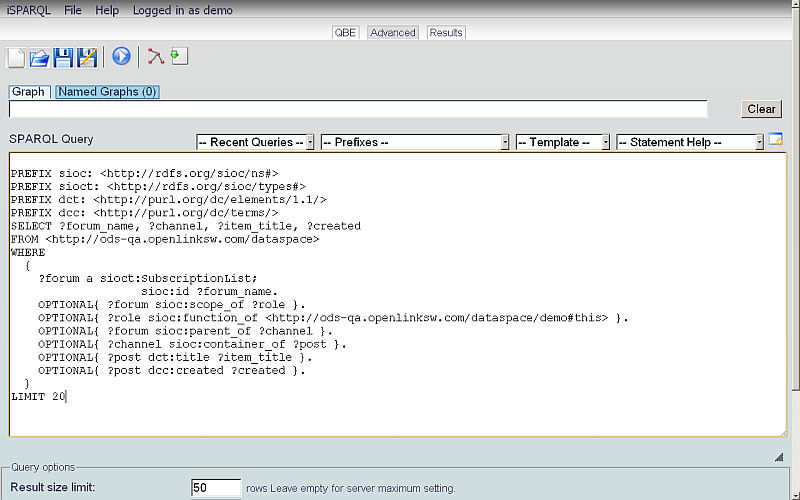
- Click the Run Query button on the Advanced toolbar.
- The Result tab will present the results of the query.

- With the blue navigation buttons you can view the results of the first, previous, next and last executed queries. Click the furthest-left blue arrow.
- The results of the first query we executed -- all Weblog Posts for the ODS Member "demo" -- will be shown.
Note that the content of the SPARQL Query area of the Advanced tab has also changed to match.


References
ODS SPARQL Queries
- ODS SIOC Reference
- ODS FOAF Reference
- ODS SKOS Reference
- ODS Atom OWL Reference
- ODS SIOC Query Tutorial
- WordPress SIOC Reference
- MedaWiki SIOC Reference
- PHPBB SIOC Reference
ODS Applications SPARQL Queries
Other Virtuoso SPARQL Queries
Related
- iSPARQL Tutorials
- Basic iSPARQL Tutorial with query built from a blank canvas and pre-typed Nodes
- Basic iSPARQL Tutorial with query built from a blank canvas and Nodes dragged from the Toolbar
- Basic iSPARQL Tutorial
- iSPARQL Querying Tutorial with SPARQL Query type "CONSTRUCT"
- iSPARQL Querying Tutorial with SPARQL Query type "DESCRIBE"
- iSPARQL Querying Tutorial "DESCRIBE" with Google Maps View Results
- iSPARQL Querying Tutorial with SPARQL Query type "INSERT"
- iSPARQL Querying Tutorial with SPARQL Query type "DELETE"
- OpenLink AJAX Toolkit (OAT)
Tagcloud
Category SPARQL Category RDF Category OpenSource Category OAT Category Documentation Category Tutorial